 Kola
KolaChoosing image and video quality for a fashion campaign
Understand how Kola labels 2K campaign images and edited Full HD video, and what to check before using assets on a store or social channel.
Match the file to the placement
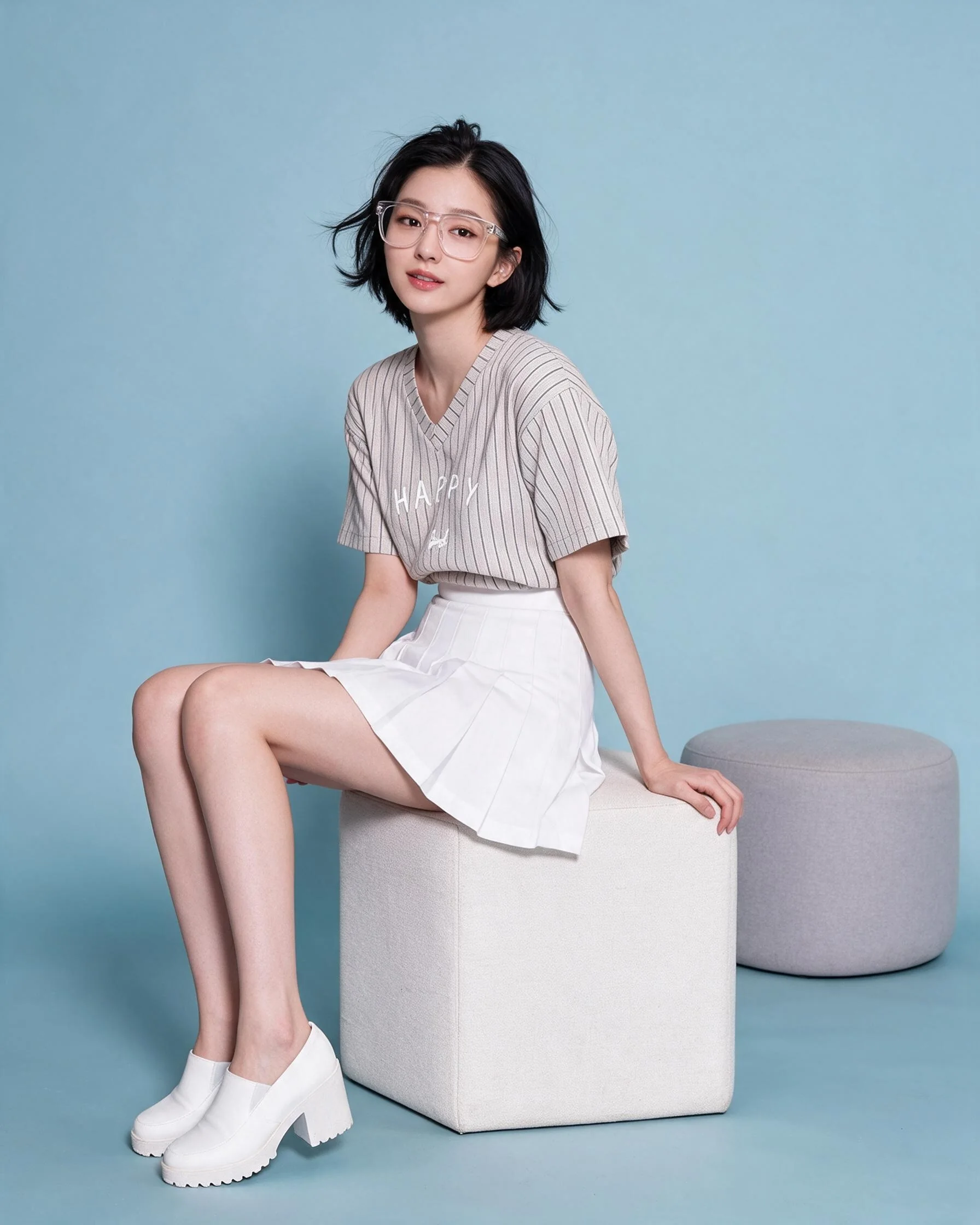
Different placements display images at different sizes and crops. Ask where content will be used and check the delivered file dimensions and format. A larger source can support more flexible crops, but the composition still needs to fit.
The current Kola menu describes product photos as 2K and edited video as 1K Full HD. Confirm the expected aspect ratio and file type for custom use. Preview a file after upload because platforms may recompress it.
Resolution does not correct a poor composition or inaccurate garment detail. Prioritize clarity, preview the export in its actual placement and keep a clean copy of the delivered master.
Put the guidance into practice
A vertical social placement and a wide web banner may need different crops from the same image. Keep a clean master and confirm the important product details survive each crop. For unusual needs such as print or heavy zoom, ask for exact file dimensions before production.
Before you publish
- Confirm intended placement and aspect ratio.
- Use the package’s stated output quality as a guide.
- Preview the file after the platform processes it.
- Keep a clean copy of the delivered original.
Frequently asked question
Will higher resolution automatically look better?
Not on its own. Composition, detail accuracy, lighting and compression also affect perceived quality.
Plan your next product story.
See package quantities and delivery notes, or ask Kola about a custom brief.
View packages Ask Kola