 Kola
KolaAI fashion photo review checklist before publishing
A quality-control checklist for checking generated clothing photos for inaccurate colour, print, garment shape and visual artifacts.
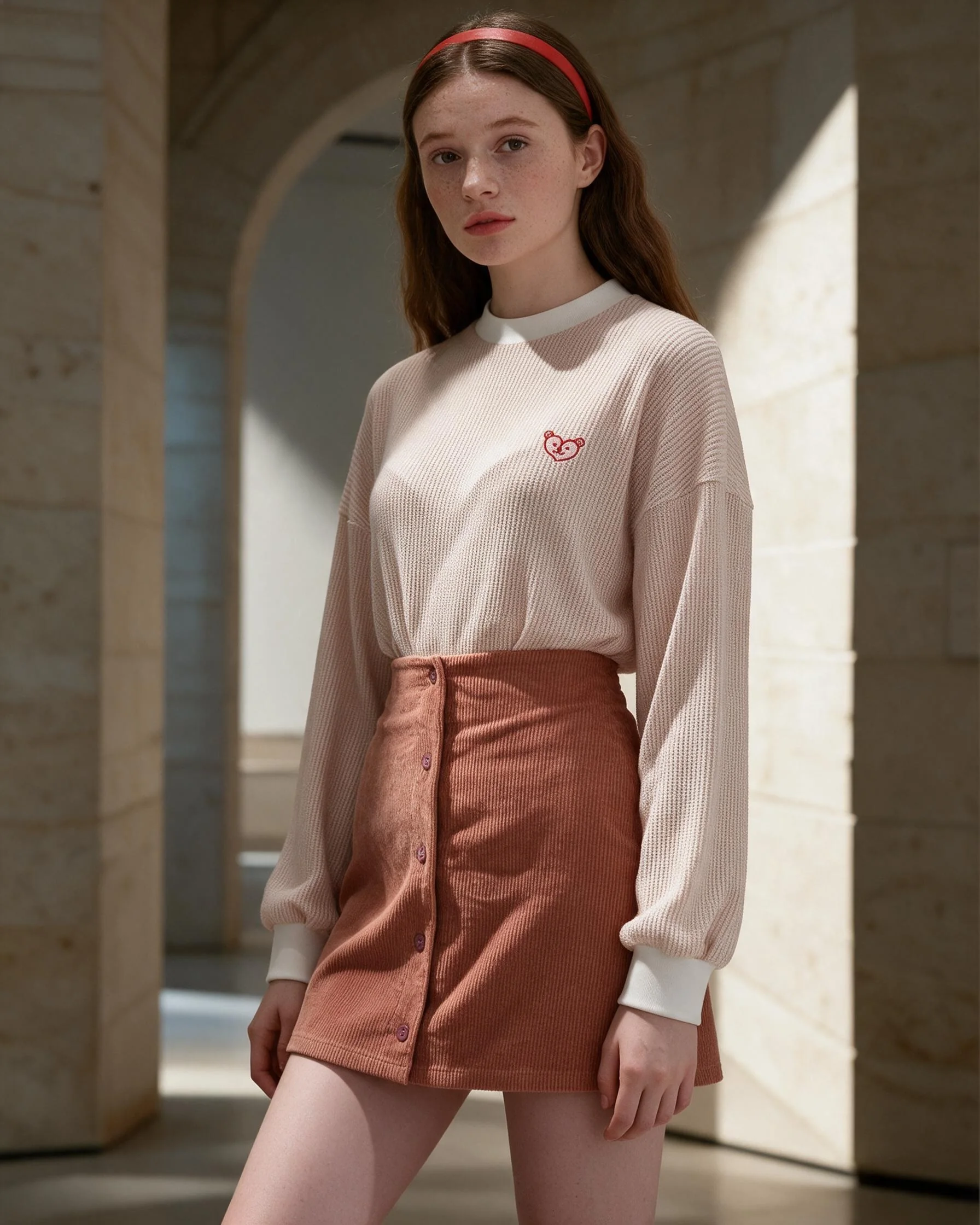
Inspect the details that affect a purchase
Compare overall colour, silhouette, length and layering. Inspect print scale, pockets, buttons, seams and trim. Use a second, closer reference for a detail that must be exact. If the image implies a fit or feature that the product does not have, do not publish it as a factual view.
Inspect hands, jewellery, props, background edges and shadows. Check for duplicated or malformed objects and text. Confirm the crop works at the size and position where the image will appear.
A social crop can be expressive; a product detail image should prioritize clarity. Preview the output at real display dimensions, approve it against the product version and retain the original reference for comparison.
Put the guidance into practice
For a patterned skirt, compare the print scale and colour in the source, then zoom in on the waist and hem. Check the model pose does not hide a closure and the setting does not add a false reflection. A clear side-by-side review can catch problems that are harder to notice in a single image.
Before you publish
- Colour, shape, length and fabric cues.
- Print, logo, trim, closures and hands.
- Crop, background artifacts and text.
- Fit for placement and comparison with source.
Frequently asked question
Should I use an AI image if one product detail is wrong?
Do not present an inaccurate image as a factual product view. Request a correction or use a real product photo.
Plan your next product story.
See package quantities and delivery notes, or ask Kola about a custom brief.
View packages Ask Kola