 Kola
KolaAI model photos vs flat-lay photos: when to use each
Compare model-led fashion imagery with flat-lay photos and decide which view best answers a shopper’s question.
Choose the format around the shopper’s question
A clean flat lay can make colour, shape and garment components easy to see. Keep the item fully visible, remove distracting props and use even light. Include a full view when proportions are important.
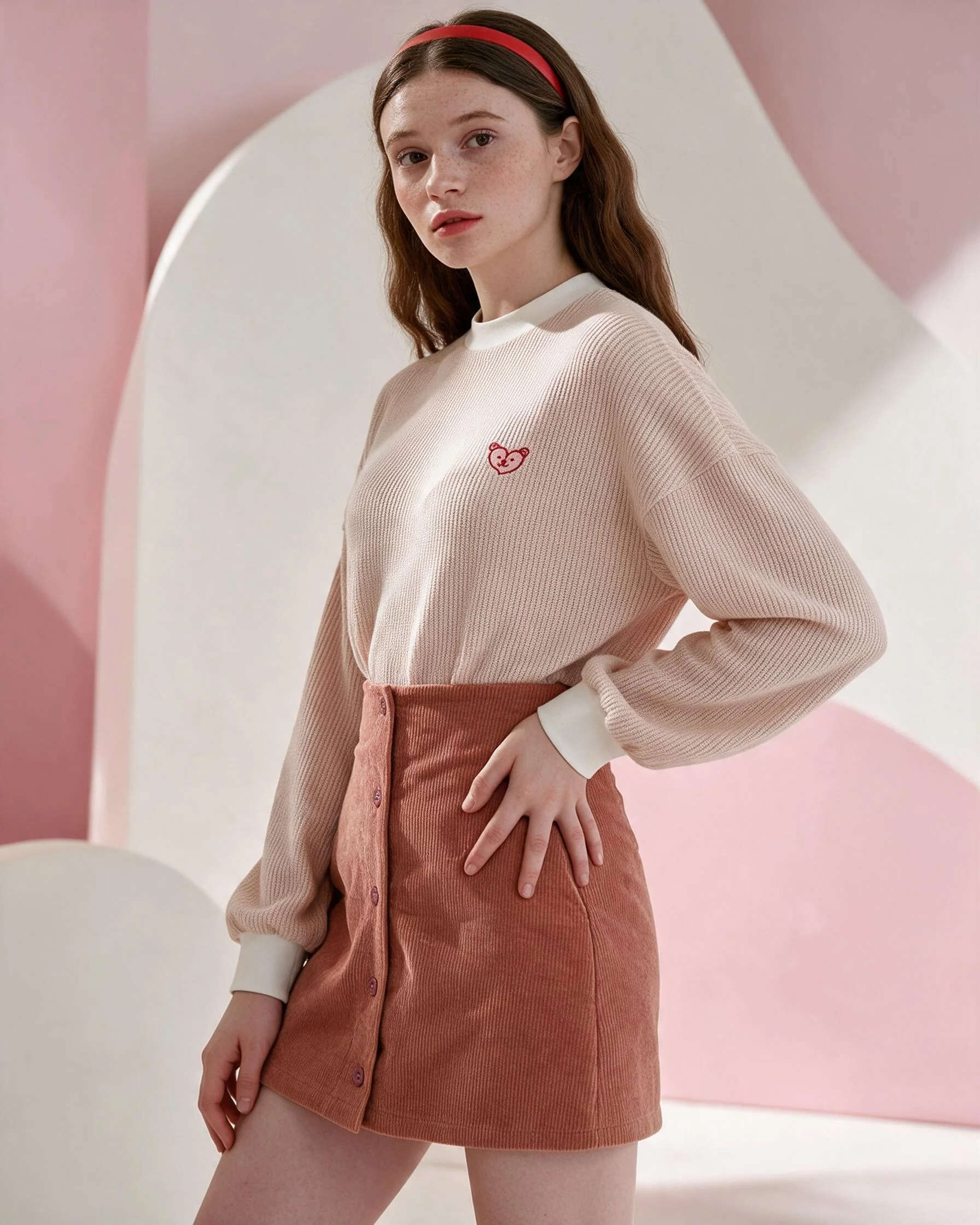
A model-led image gives context for how an outfit can be worn and helps establish a campaign mood. It may support social posts or editorial sections of a product page. Check how the garment hangs and inspect logos, prints and details.
Most stores benefit from more than one kind of image. Use direct views to communicate product facts and model-led frames to add styling and atmosphere. Review the complete sequence on the actual page or social layout.
Put the guidance into practice
A product listing could lead with a clear flat-lay view, then show a model-styled campaign image and a close-up of a distinctive print. The direct photo tells shoppers what the item is; the styled frame offers an idea for wearing it. Together they answer different questions.
Before you publish
- Use flat lays to show the item directly.
- Use model imagery to communicate styling and mood.
- Retain real close-ups for texture and construction.
- Sequence images around customer questions.
Frequently asked question
Do model photos replace flat lays?
They serve different purposes. A product page can combine direct item views with styled model imagery.
Plan your next product story.
See package quantities and delivery notes, or ask Kola about a custom brief.
View packages Ask Kola