 Kola
KolaHome / Blog / Package planning
Package planningShould you choose a photos-only or photo-and-video package?
Choose between a photos-only set and a photo/video bundle based on your campaign needs, product count and publishing plan.
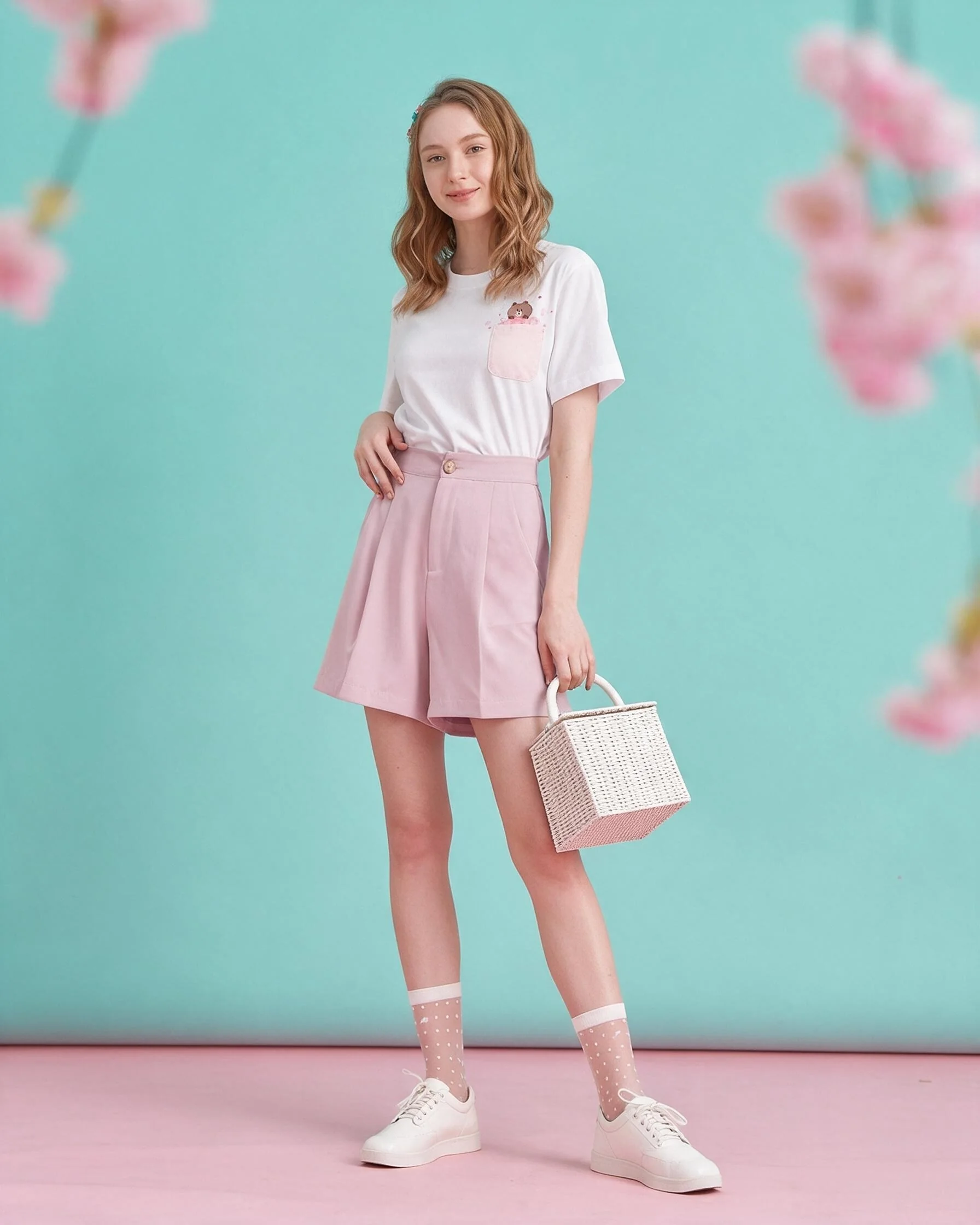
Choose the format based on what you will publish
If the immediate need is a store refresh, a photos-only set may cover the gap. If you plan a reel or short campaign edit, a photo-and-video bundle may simplify ordering. Avoid paying for a format you have no plan to use.
Compare number of products, image count, video count, revision allowance and listed delivery estimate. Confirm when delivery starts and what information you need to send. Describe custom concepts before ordering.
Photos can support product pages and campaign placements. Video gives movement for short-form content, but the edit still needs a clear story and next step. Use package cards for current quantities and prices.
Put the guidance into practice
If the immediate task is filling a set of product pages, a photos-only order may be the clearer fit. If a launch calendar already includes edited reels, compare a bundle’s per-product video quantity and turnaround. Count the planned placements before choosing; an unused format adds no value.
Before you publish
- List the channels and placements you will use.
- Compare photo and video counts per product.
- Check delivery timing and revision allowance.
- Choose formats you have a publishing plan for.
Frequently asked question
Does Photo Starter include video?
No. It is the photos-only option; photo-and-video bundles are listed separately.
Plan your next product story.
See package quantities and delivery notes, or ask Kola about a custom brief.
View packages Ask Kola