 Kola
KolaHome / Blog / Product photography
Product photographyHow to prepare a product photo for AI model styling
A practical setup guide for taking a clear garment reference photo before creating AI model imagery for an online fashion store.
Set up the reference before you style
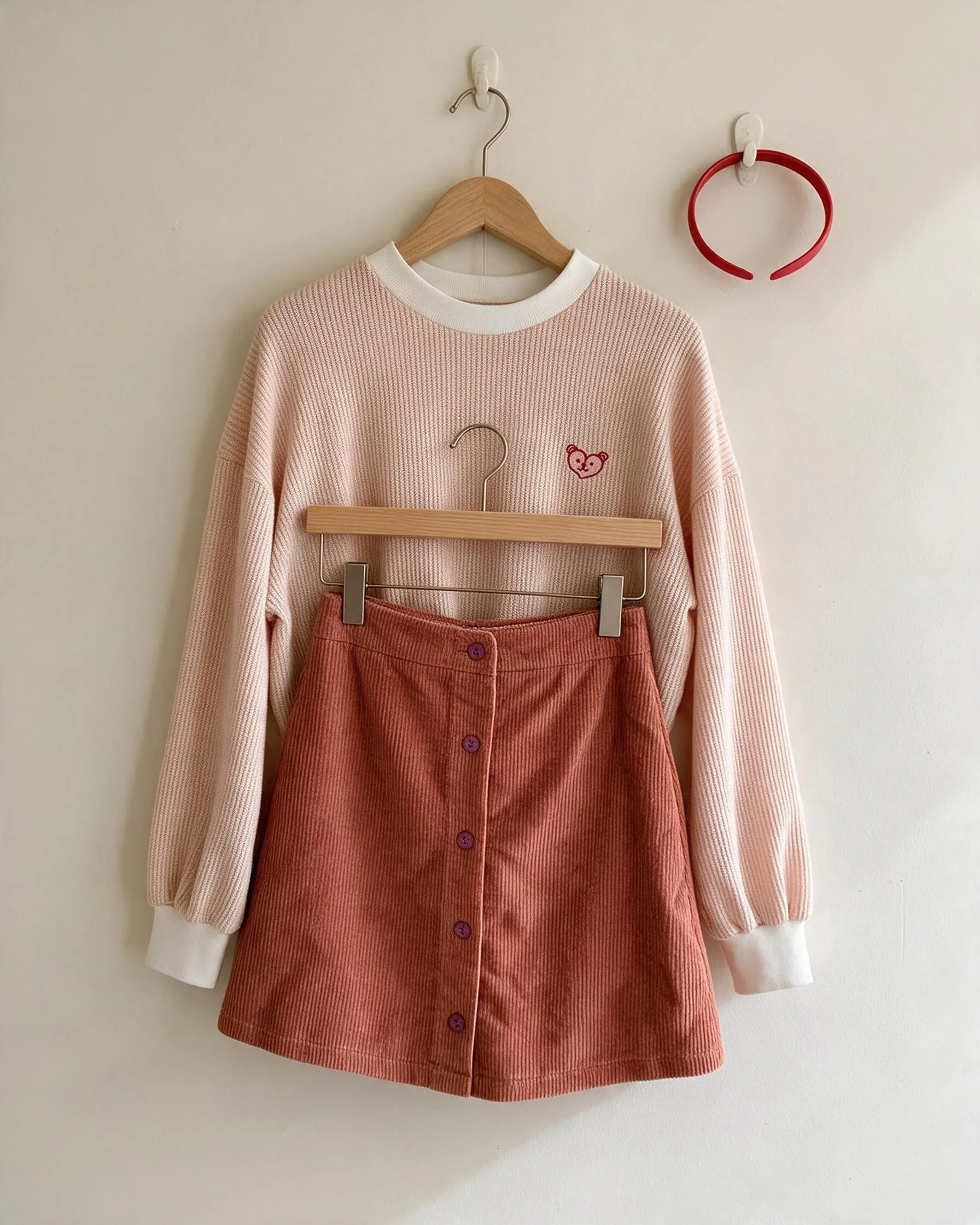
Lay the garment flat or hang it against a plain background. Use even light and keep the camera level so the full shape is visible. One item per frame makes it easier to distinguish the product from styling props.
Avoid heavy filters, coloured lamps and strong shadows. They can shift the apparent fabric colour. Keep the original file; a compressed social screenshot is often less useful than the source photo.
Add close-up references for logos, prints, unusual necklines or trim. Write down colour, fabric, fit, key measurements and any non-negotiable detail. Explain whether the images are for a product page, launch post or ad.
Put the guidance into practice
For example, a cream sweater and corduroy skirt need separate cues: the source image shows the set, a close-up shows the knit, and the notes clarify the skirt’s colour and button line. Those references help a reviewer judge the styled result without guessing which details are part of the product.
Before you publish
- Photograph the whole item in even neutral light.
- Share close-ups of logos, prints and distinctive trim.
- Include material, colour, fit and measurement notes.
- State where each visual will be used.
Frequently asked question
What is the best background for a product reference?
A plain, uncluttered background with even light usually makes the garment easiest to read.
Plan your next product story.
See package quantities and delivery notes, or ask Kola about a custom brief.
View packages Ask Kola