 Kola
KolaHome / Blog / Content workflow
Content workflowTurn one clothing product brief into store and social assets
Organize product visuals, captions and edits from a single accurate brief for a coherent e-commerce and social launch.
Create a shared source for each channel
Gather product name, colour, material, fit, measurements and required detail views once. Keep these facts in one brief that can guide photos, captions and video. Separate factual product details from campaign language.
Decide which image leads the store, which frames support social storytelling and whether a short video is useful. Each output should have a destination and purpose. Write channel-appropriate captions and review product names and links.
Check images and text together. Confirm colour story, garment details, naming and call to action. Export files into clearly named folders by product and placement, and update the set if the product itself changes.
Put the guidance into practice
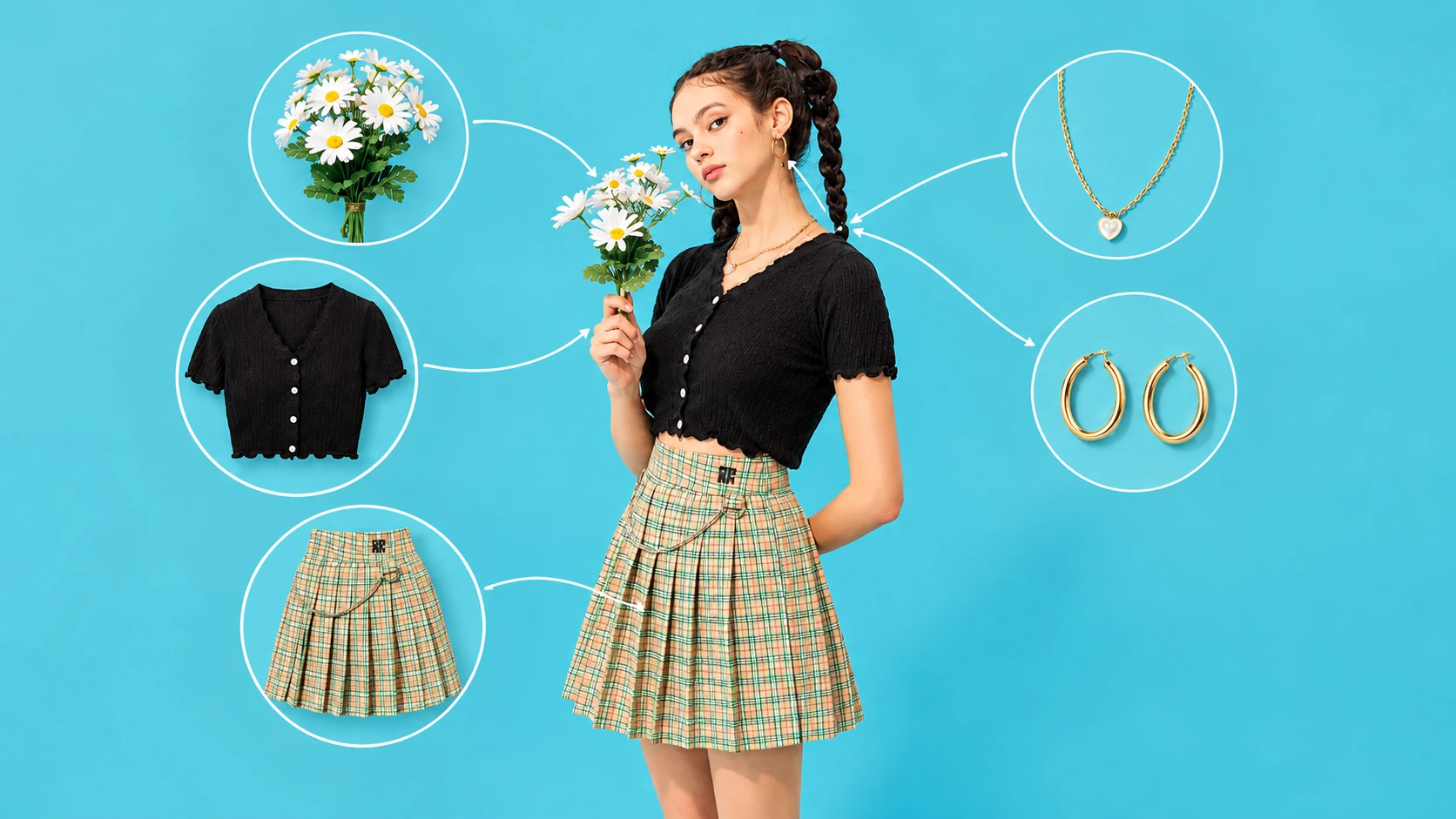
A shared brief for one cardigan can feed a product-page caption, a launch post and a short video outline. The product name, colour and material stay consistent, while each channel gets a different opening line and action. Keep the factual source notes beside the creative copy.
Before you publish
- One current source of product facts.
- A destination and purpose for every asset.
- Captions that stay accurate and channel-appropriate.
- One coordinated approval before publishing.
Frequently asked question
Can I use the same image on a store and Instagram?
Often, if the crop and composition suit both placements. Check text-safe areas and dimensions for each use.
Plan your next product story.
See package quantities and delivery notes, or ask Kola about a custom brief.
View packages Ask Kola