 Kola
KolaHome / Blog / Fashion case study
From a hanger photo to a polished fashion campaign: a Kola case study
A useful product page needs more than one angle. This example shows how a simple hanger photo can guide a coordinated set of fashion visuals while keeping the clothing at the centre.
The brief: make the outfit easier to imagine
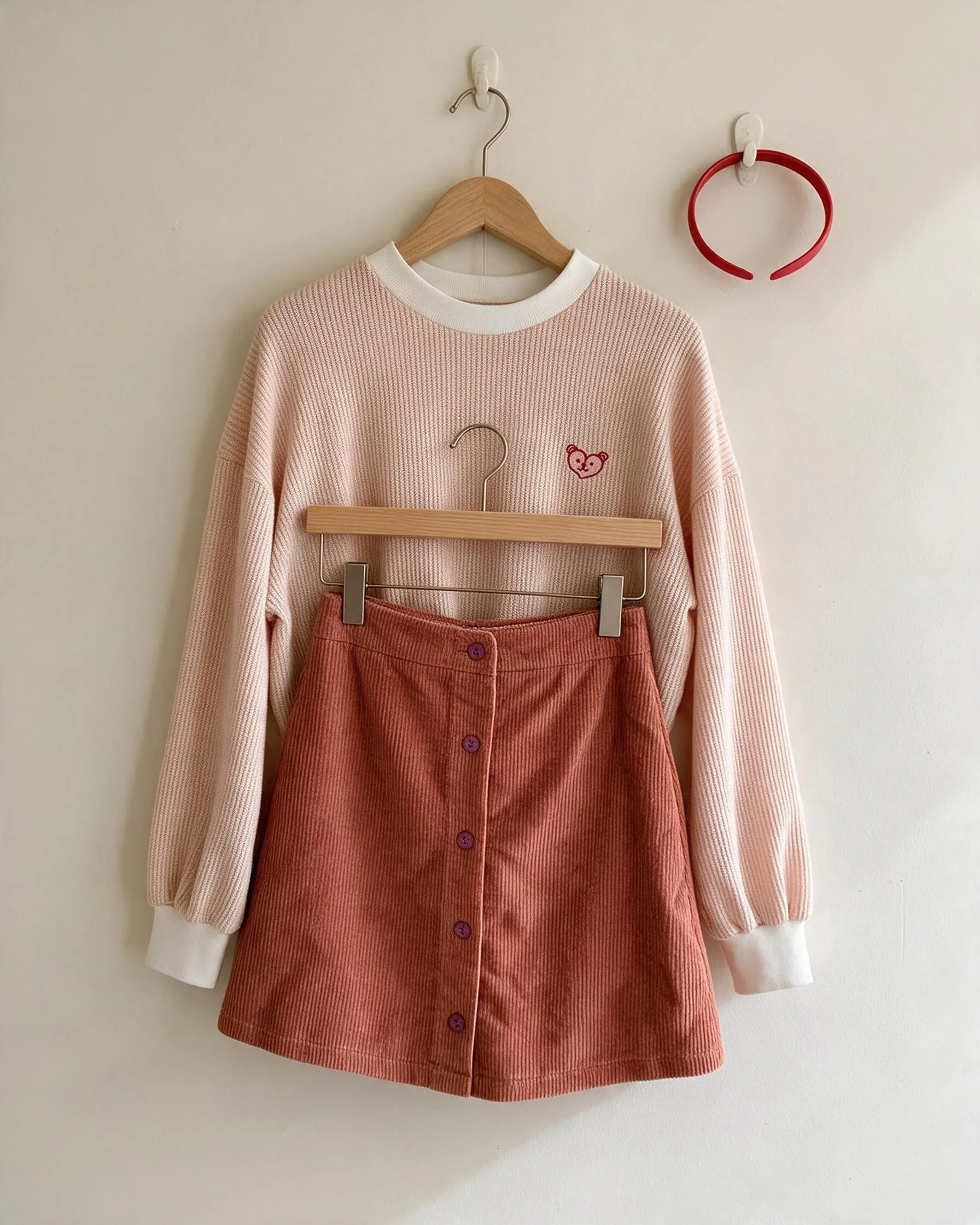
The starting image is a cream knit sweater paired with a rose corduroy skirt. It clearly shows the garments, but has a plain wall, a hanger and little context. A shopper can inspect the pieces, yet has limited sense of how the outfit might look styled for a campaign.
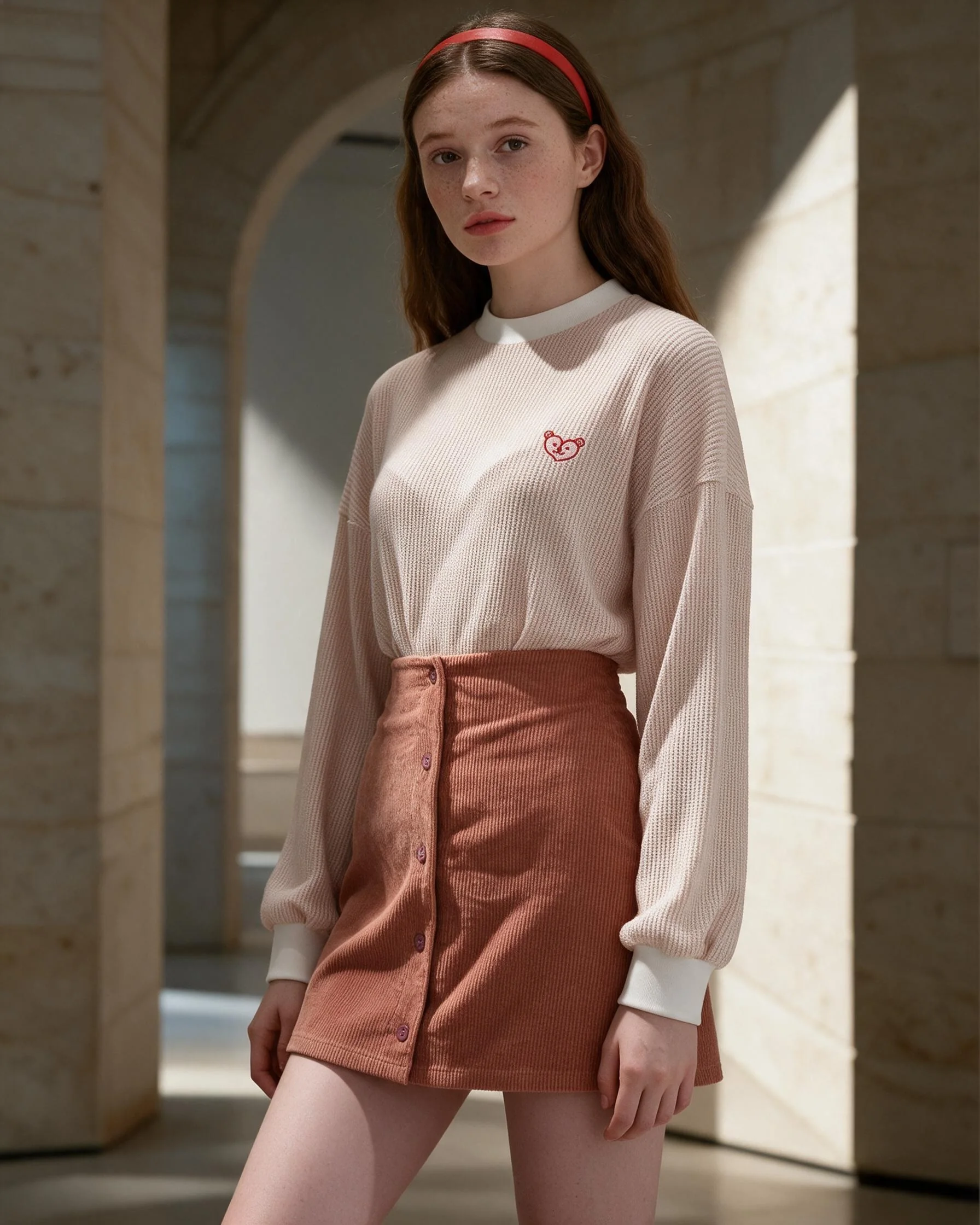
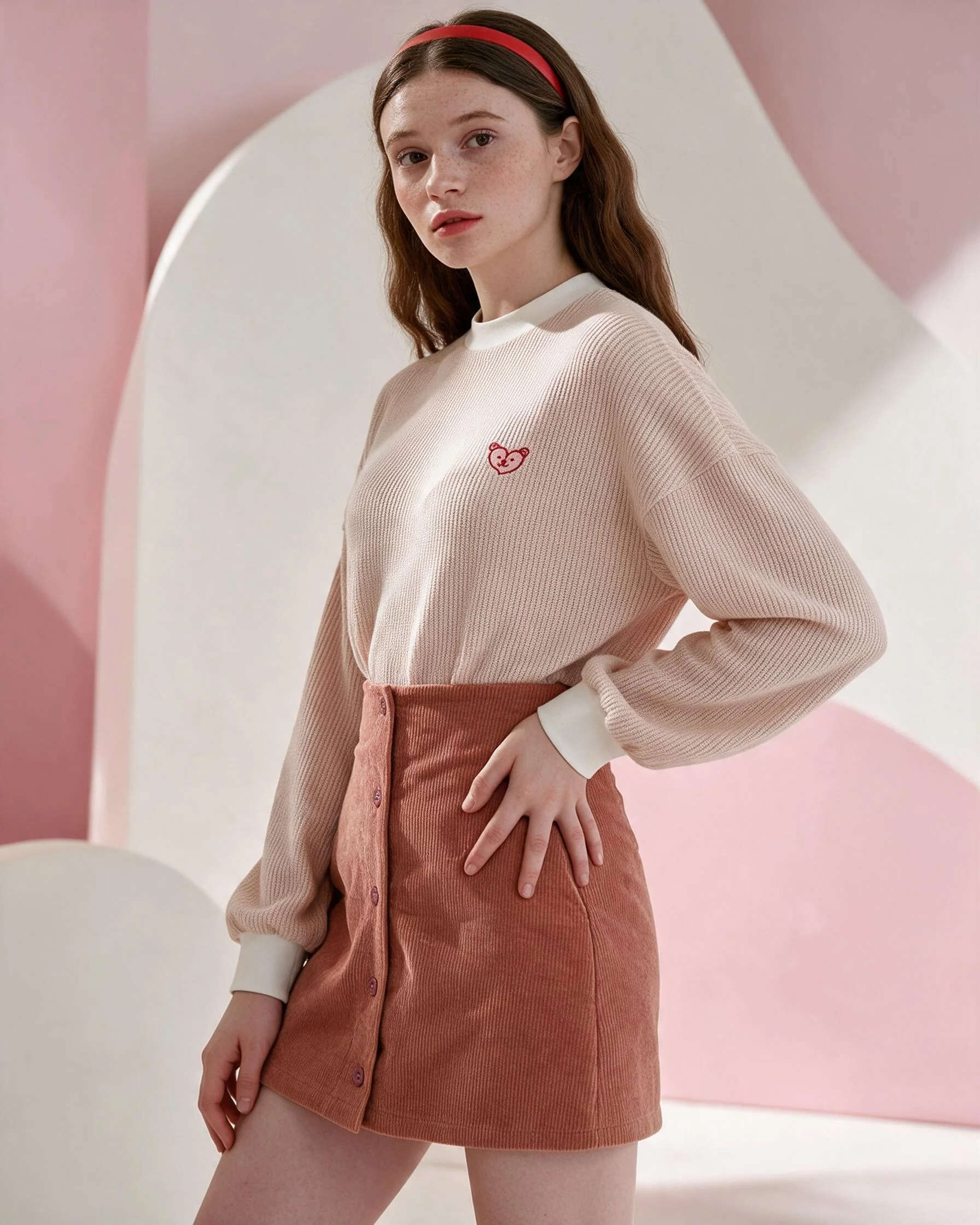
We used that photo as a visual reference, then developed editorial directions around the same outfit: a clean model look, a soft pink campaign background and a warm library setting. A small brand can use these as distinct placements instead of repeating one crop.
One product, several useful placements
A coordinated set can serve different jobs across a store and social feed. A full outfit view introduces the product; a closer composition draws attention to fabric and fit; a setting-led frame adds mood for a campaign post. The aim is to make useful variety while keeping the recognizable outfit consistent.
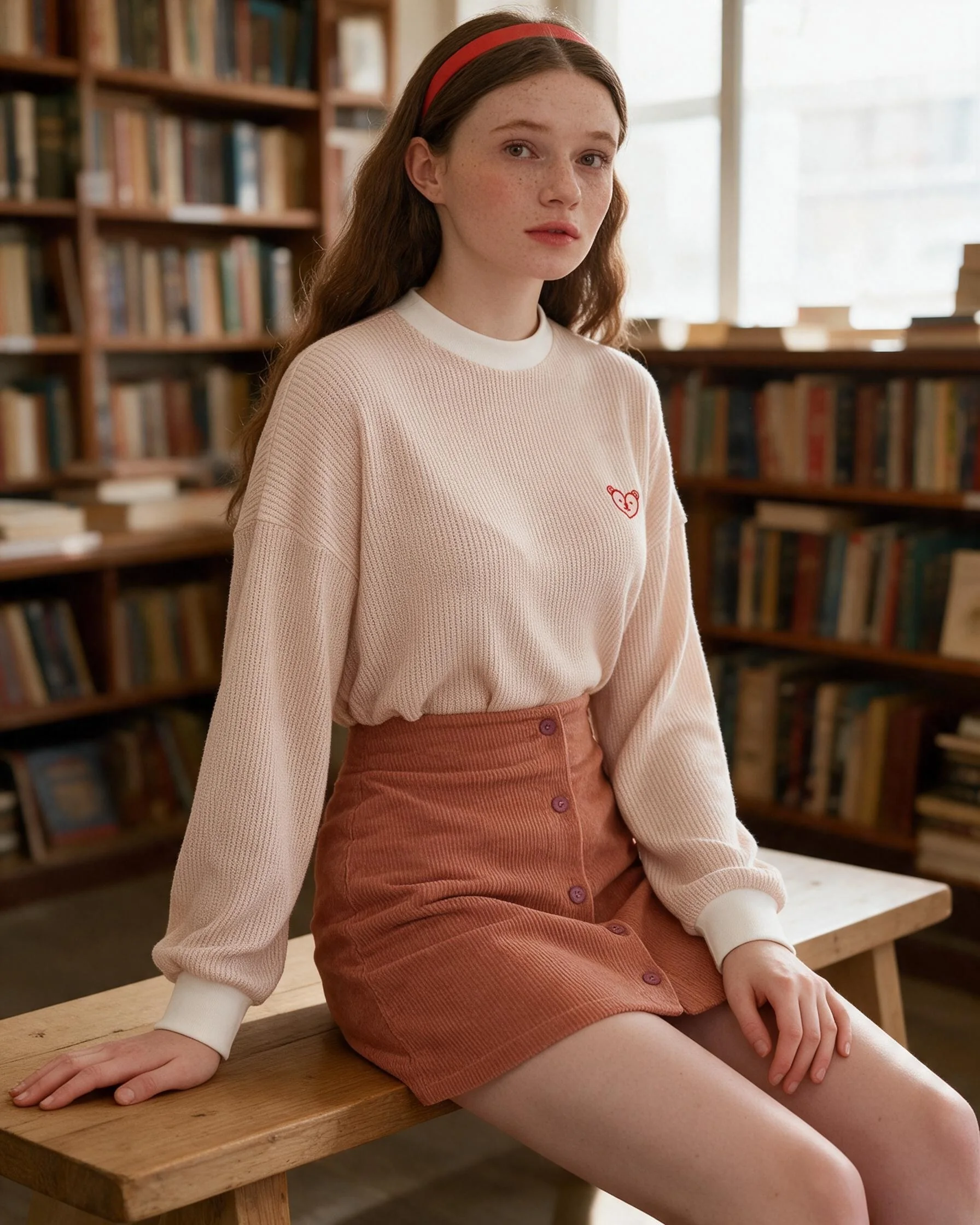
What this example demonstrates
- A plain hanger or flat-lay image can guide styled campaign directions.
- One product can appear in several compositions without changing the core outfit.
- Clear reference photos and product notes help guide colour, material and silhouette.
- AI-generated imagery should be reviewed for product details before publishing.
Two more product styling examples
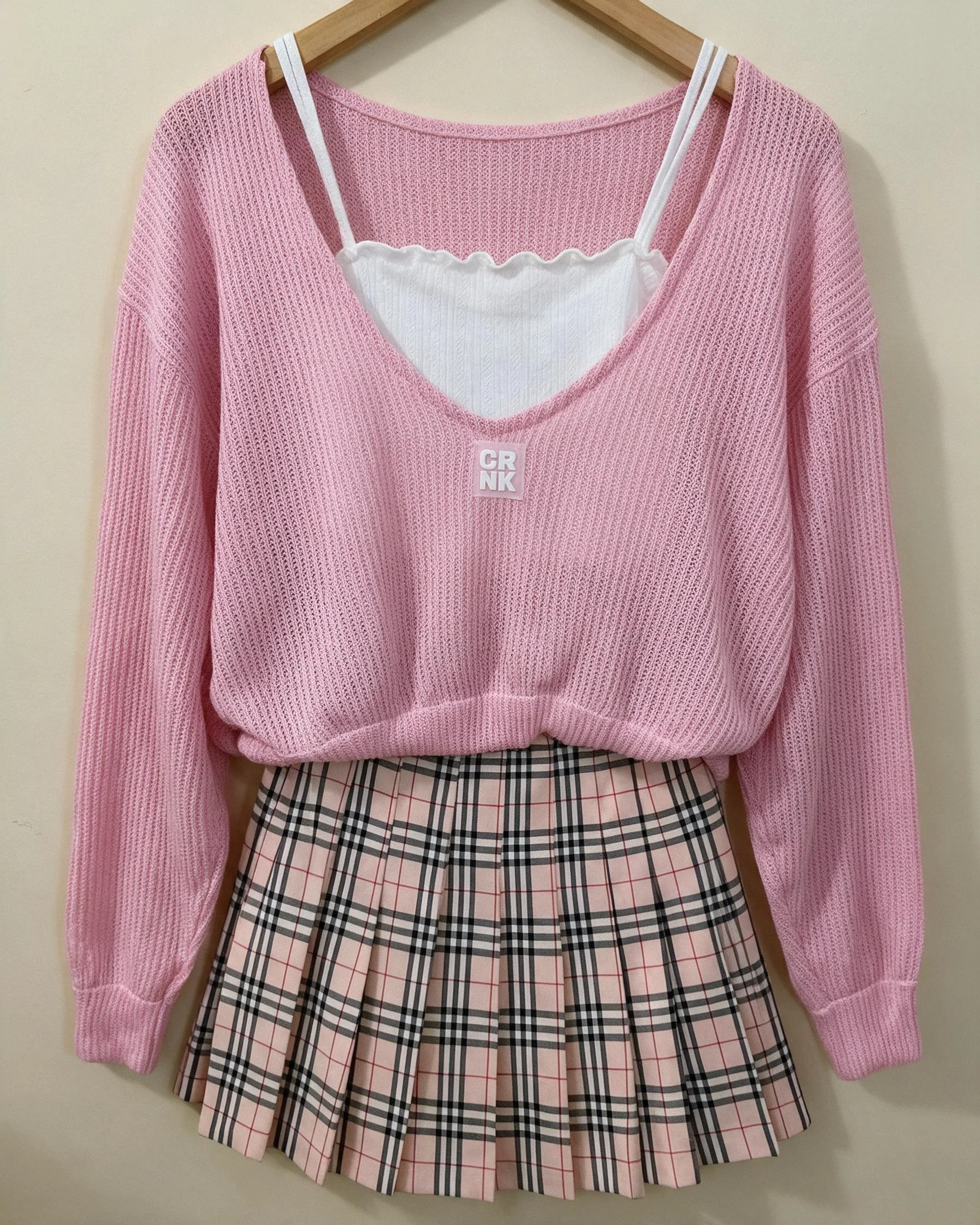
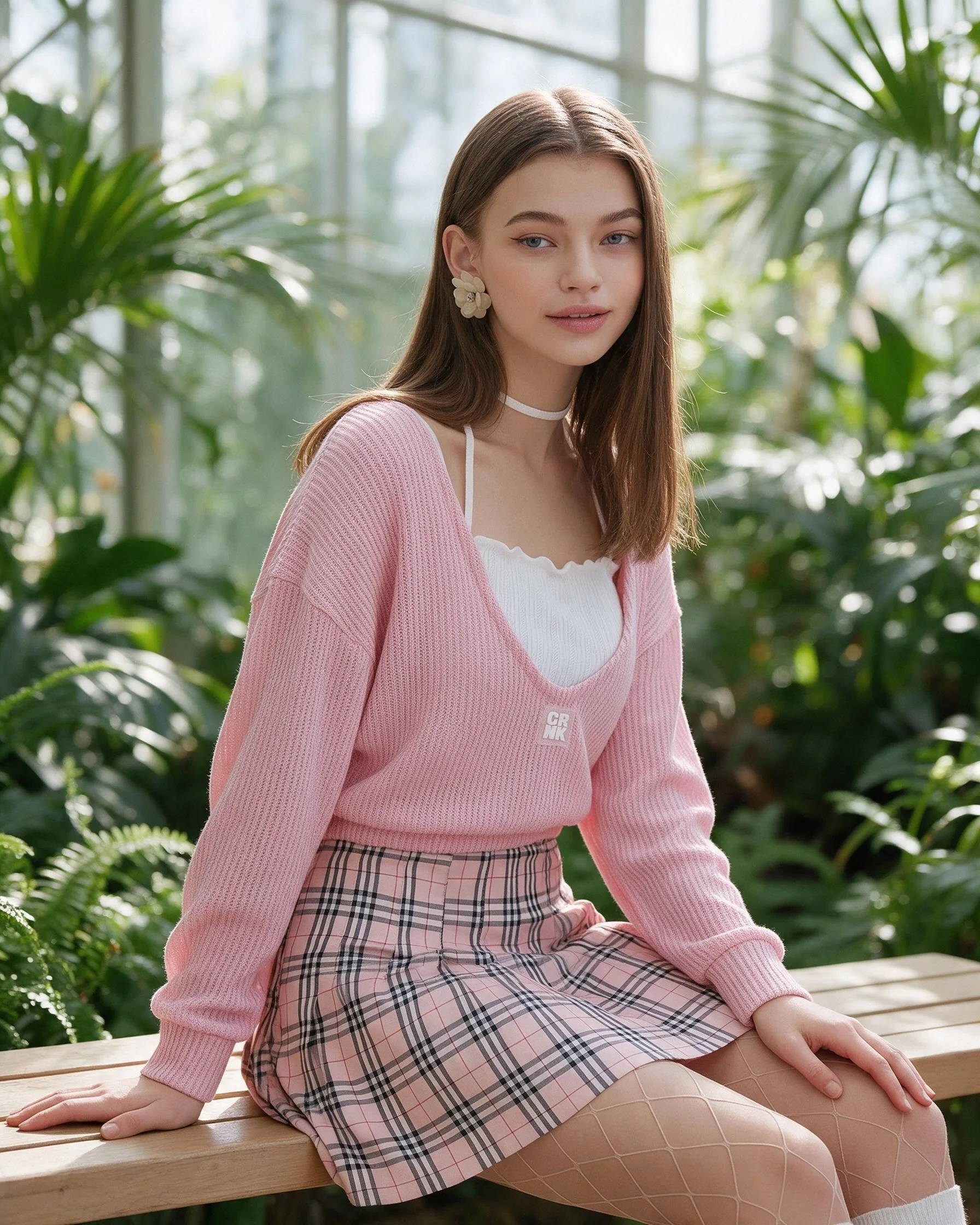
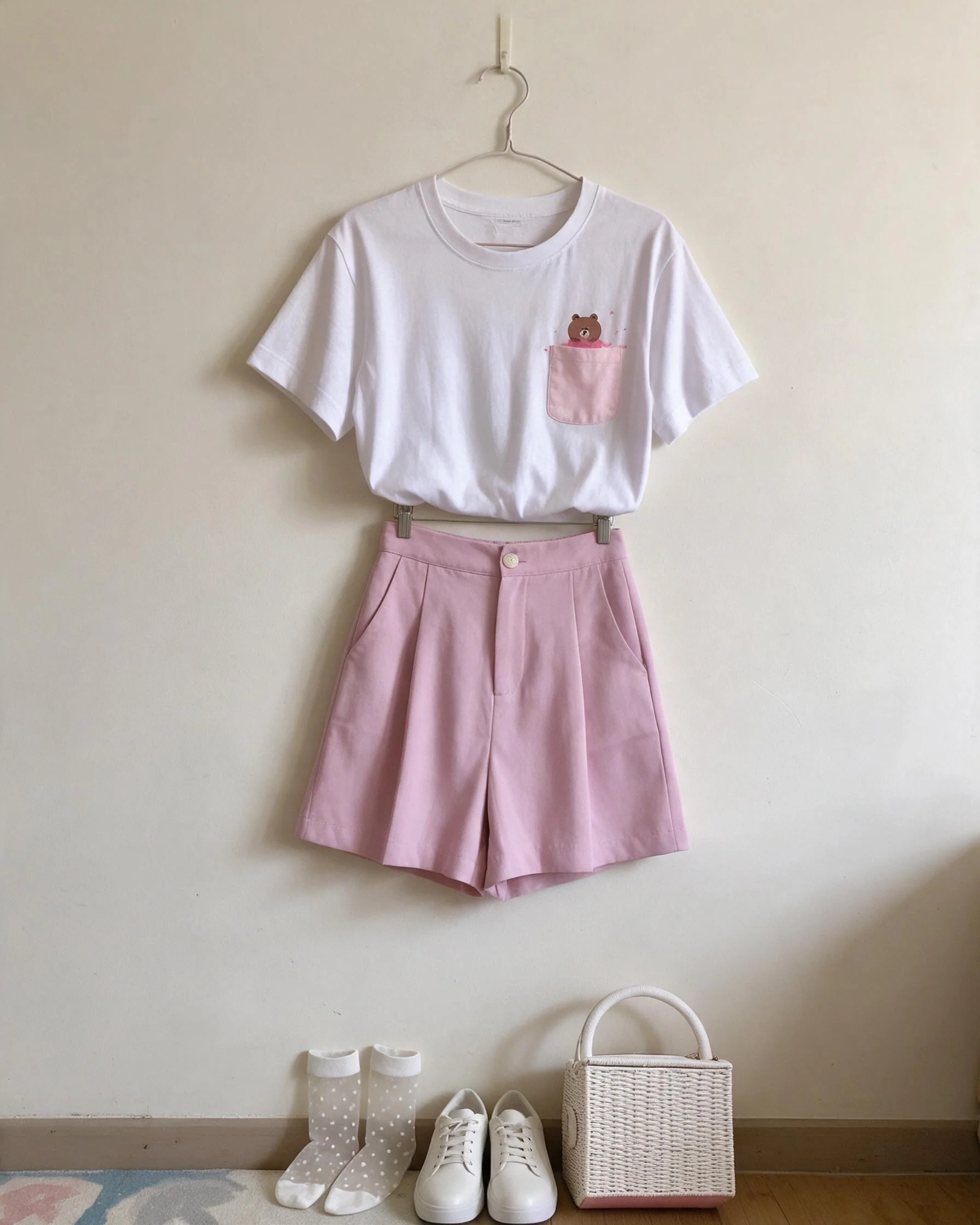
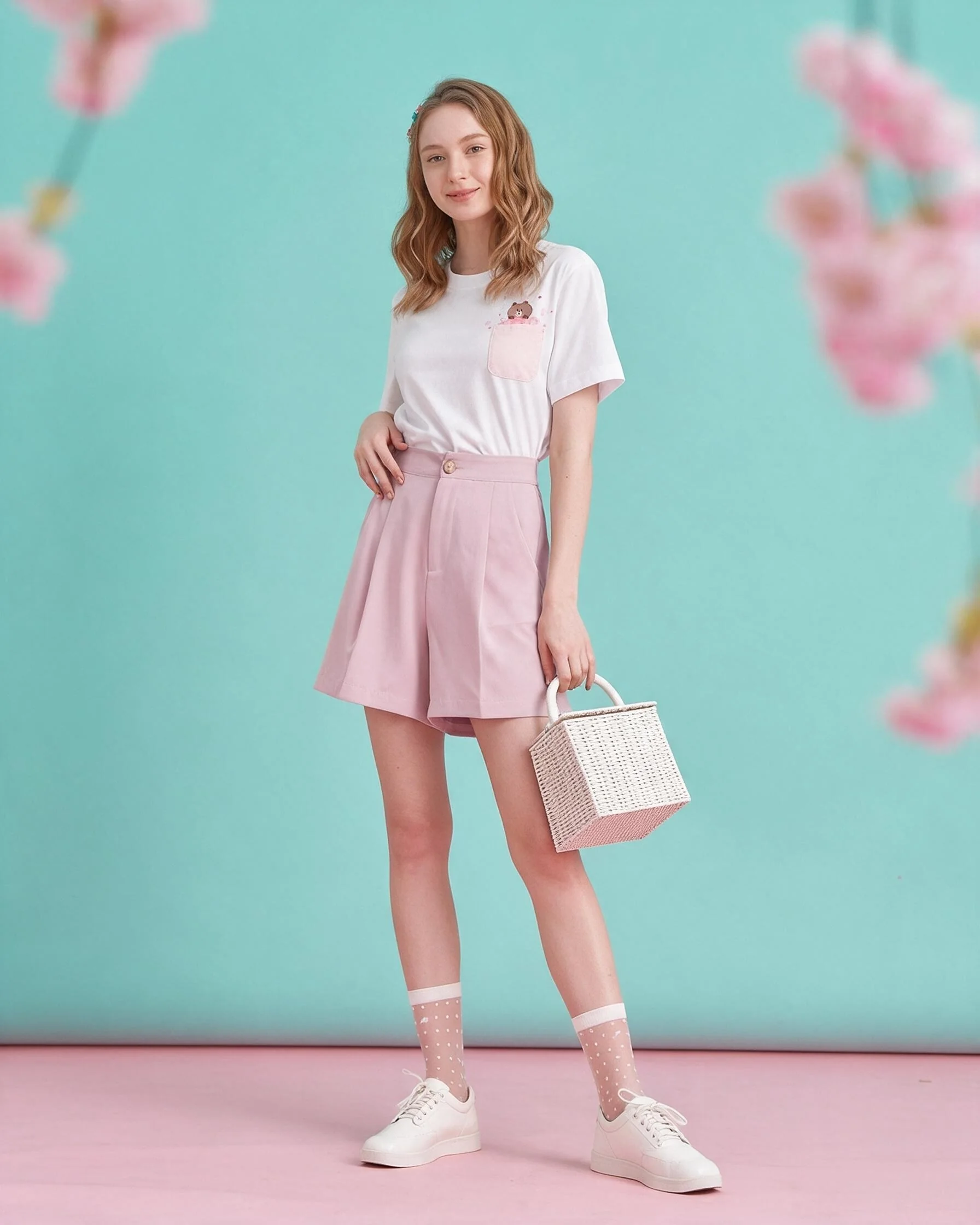
The same workflow can support different categories and palettes. These examples use a pink cardigan with a plaid skirt, and a white pocket T-shirt styled with pastel shorts. The backdrops change to suit each product while the source garment remains the visual anchor.
What to send for a strong result
- A clear photo of the whole item in even light.
- Colour, fabric, fit and measurement notes, including details the photo cannot show.
- Any logo, print or trim that must remain accurate.
- A reference for the mood or setting you want. Inspiration guides a fresh composition; it is not copied frame for frame.
Generated imagery can misrepresent small details, so inspect stitching, buttons, prints and fit before using it as a product-detail reference. For exact fabric texture or a physical lookbook, a conventional photo shoot may be the better fit.
Frequently asked questions
How many images are included in a product pack?
The current product packs include five 2K AI fashion photos per product. Larger bundles scale the image count by product.
Can I request a particular backdrop or mood?
Yes. Share a reference and notes about your audience, palette and placement to guide the creative direction.
Are these photographs of a real model?
The campaign visuals are AI-generated and edited, not photographs from a physical shoot.
How do I check accuracy before publishing?
Compare finished visuals against your original item and notes. Request a revision if an important product detail needs adjustment.
Build a product image set
See photo and video quantities, delivery notes and prices on the package page.
View packages Ask us on WhatsApp